
Build a website. Keep the builder.
Connect your AI and file tools, save a reusable Website Builder agent, then give it a brief. Open the website, review it, and ask for improvements in the same chat.
Follow the Website Builder tutorial →An open-source, local-first platform for building MCP-powered AI workflows — model management, MCP servers, a visual flow builder, chat, and headless automation in one app. Workspace data is stored locally. Cloud AI and connected apps receive the requests you choose to send. Anonymous usage telemetry is optional in Settings.
irm https://raw.githubusercontent.com/mario-andreschak/FLUJO/main/scripts/install.ps1 | iex
Press Start, type powershell, press Enter, then paste the command. Installs to %LOCALAPPDATA%\FLUJO by default; an uninstaller is included.
curl -fsSL https://raw.githubusercontent.com/mario-andreschak/FLUJO/main/scripts/install.sh | bash
Installs prerequisites via your package manager (Homebrew on macOS), clones and builds FLUJO into ~/FLUJO, and registers the flujo command.
npx flujo-ai@latest
Fastest start with Node.js 22.19+ within 22.x or 24.2+ within 24.x — runs the latest published, prebuilt FLUJO with no clone or build. Data lives in ~/.flujo; some MCP servers may still need git / python / uv on your PATH.
git clone https://github.com/mario-andreschak/FLUJO.git && cd FLUJO && docker compose up --build
Your flows, keys, and MCP servers persist in named volumes across restarts. The default local profile binds to localhost only. For deliberate network access, follow the network setup guide and use an authenticating reverse proxy. To update later, git pull then re-run the same command — --build rebuilds the image with the new code (plain docker compose up would reuse the cached image and silently run the old version).
The Windows / Linux / macOS installers also set up everything FLUJO needs — Git, Node.js, Python & uv. Then open
http://localhost:4200.
Read the setup guide for installation choices, updates, data locations, and troubleshooting.
Click a node to explore what FLUJO brings together.
Click anywhere outside a node to resume the orbit.
From API-key vault to headless automation — the full path from idea to running agent.
API keys are encrypted at rest and never sent to the browser — bind a key once as a global variable and reuse it in any model or MCP server config.
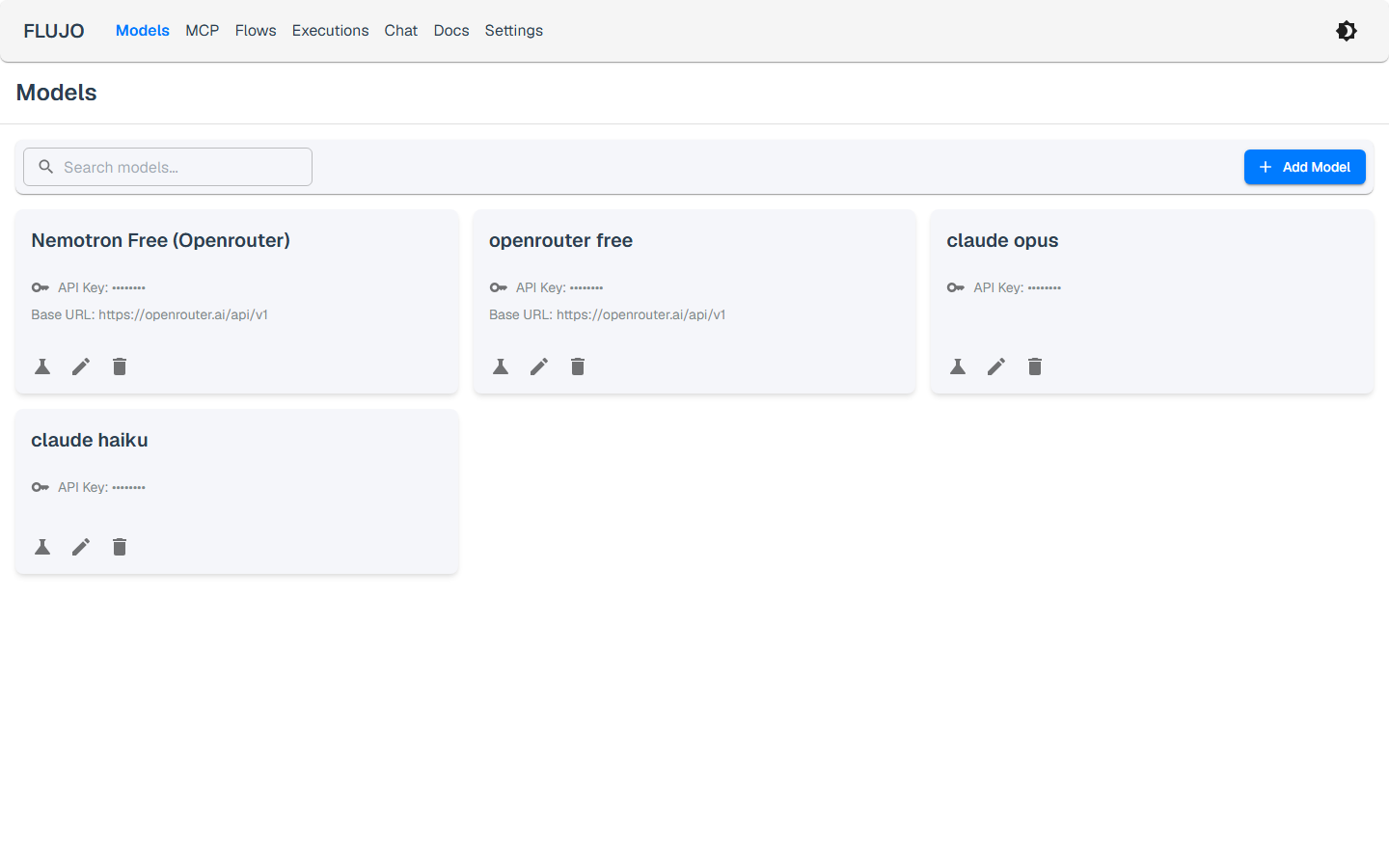
OpenAI, Anthropic, Google Gemini, X.ai, OpenRouter, and local Ollama — plus using your Claude Pro/Max subscription directly instead of a metered API key.
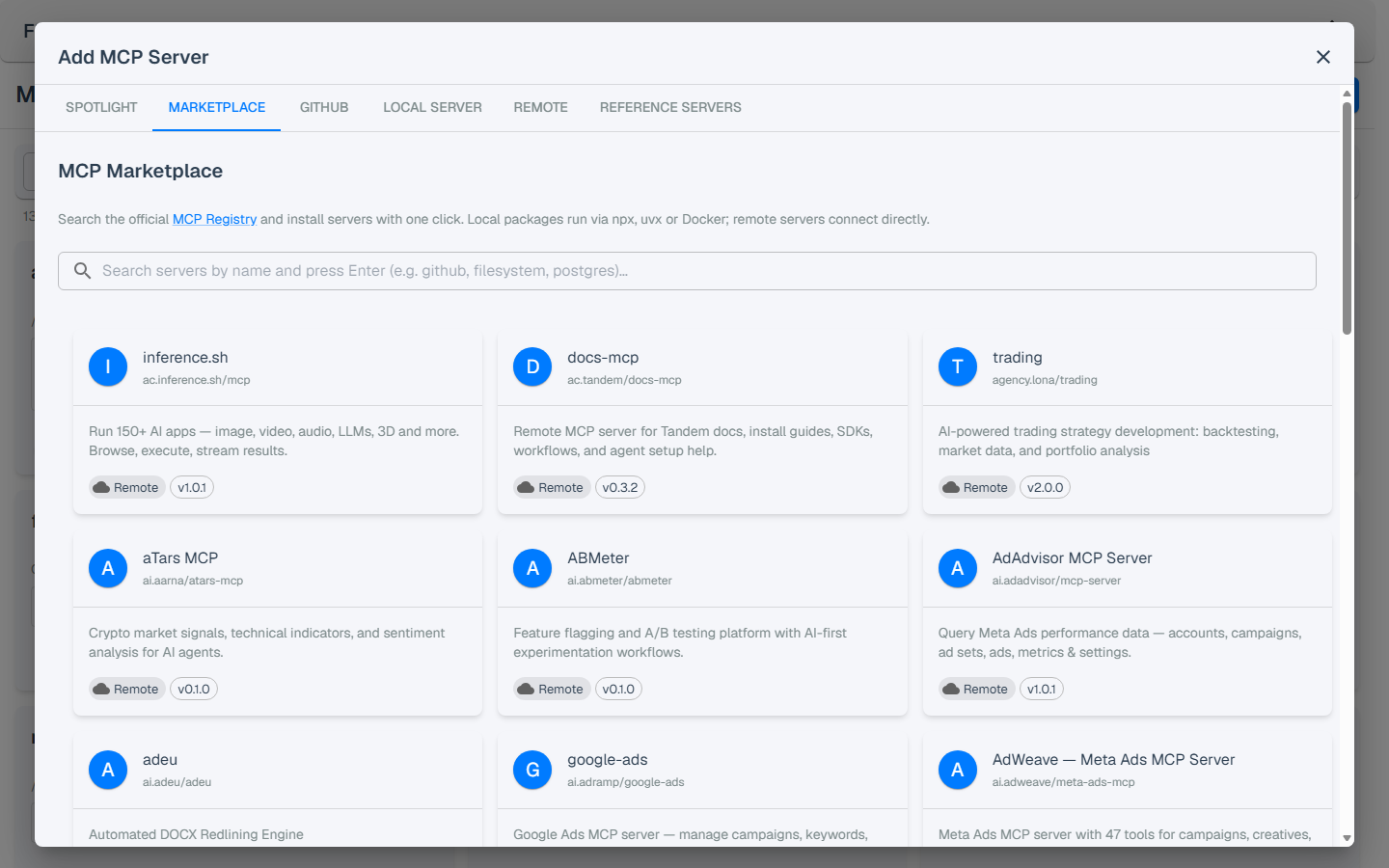
Search the official MCP Registry and install servers with one click, pick from the curated Spotlight, or install from GitHub / a local folder. Inspect and test every tool in-app.
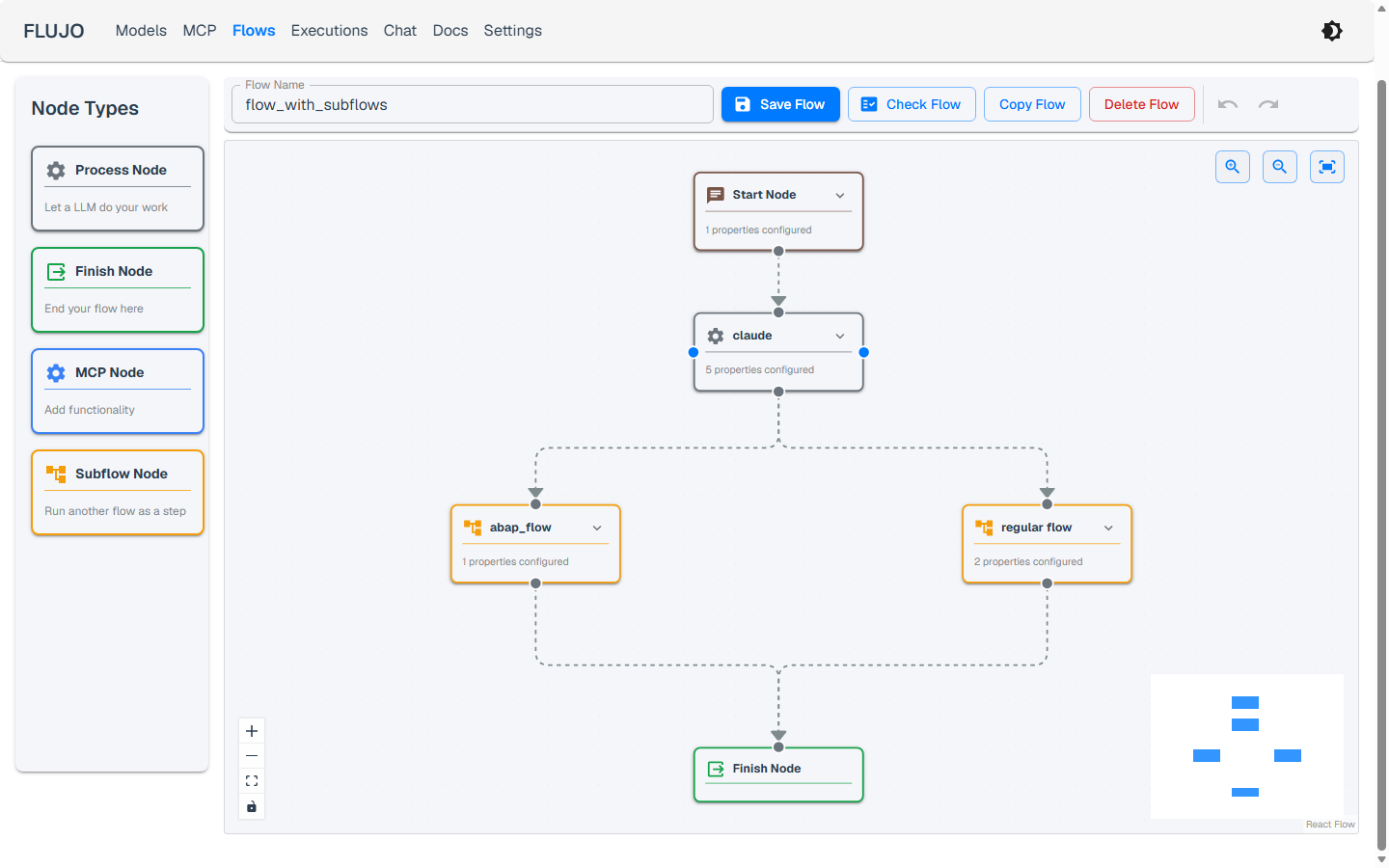
Drag-and-drop orchestration with branching, handoffs, loops, and subflows — reuse a whole flow like a function, with per-node tool and prompt scoping.
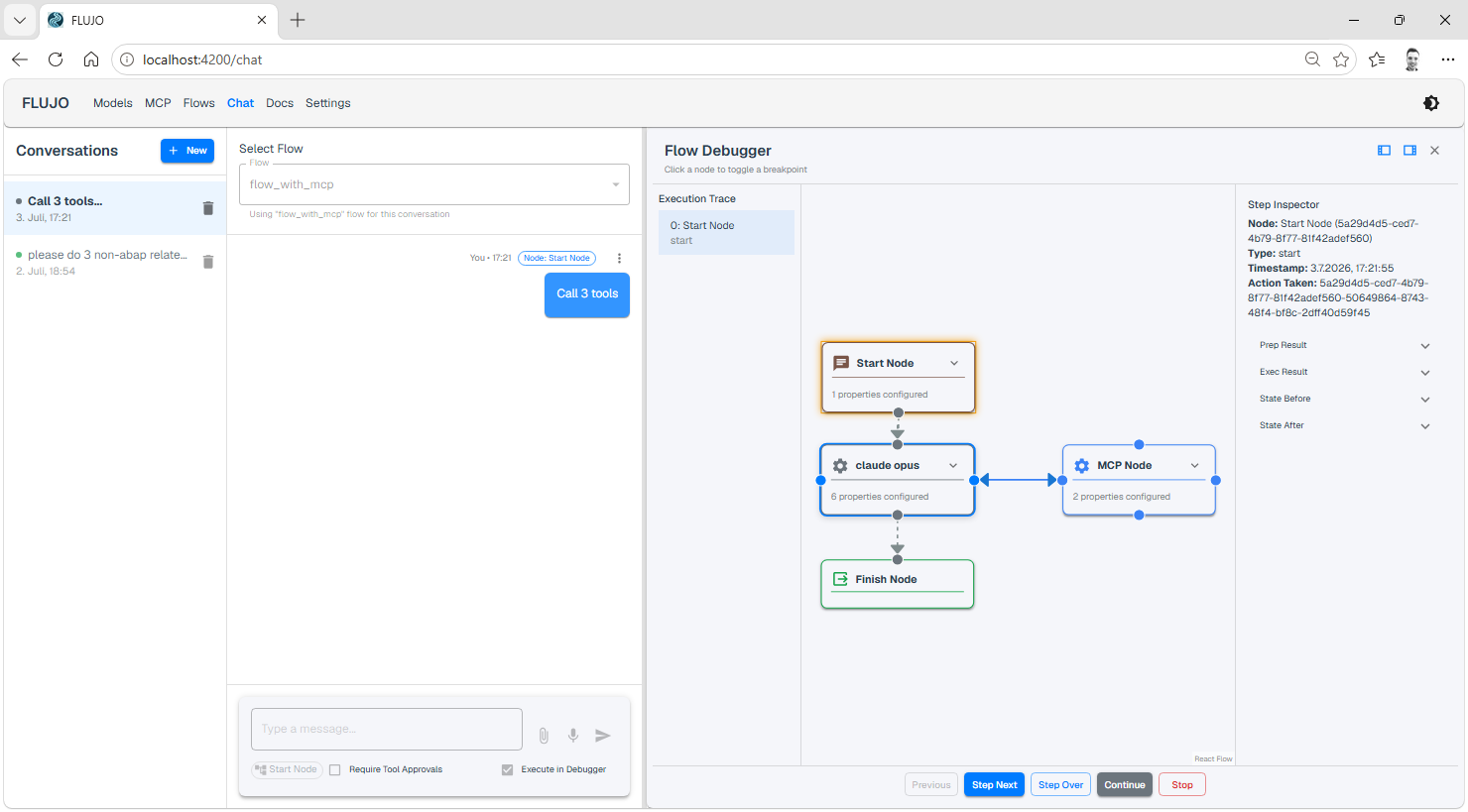
Watch runs progress node-by-node with token usage, set breakpoints and step through executions, and require human approval before any tool call.
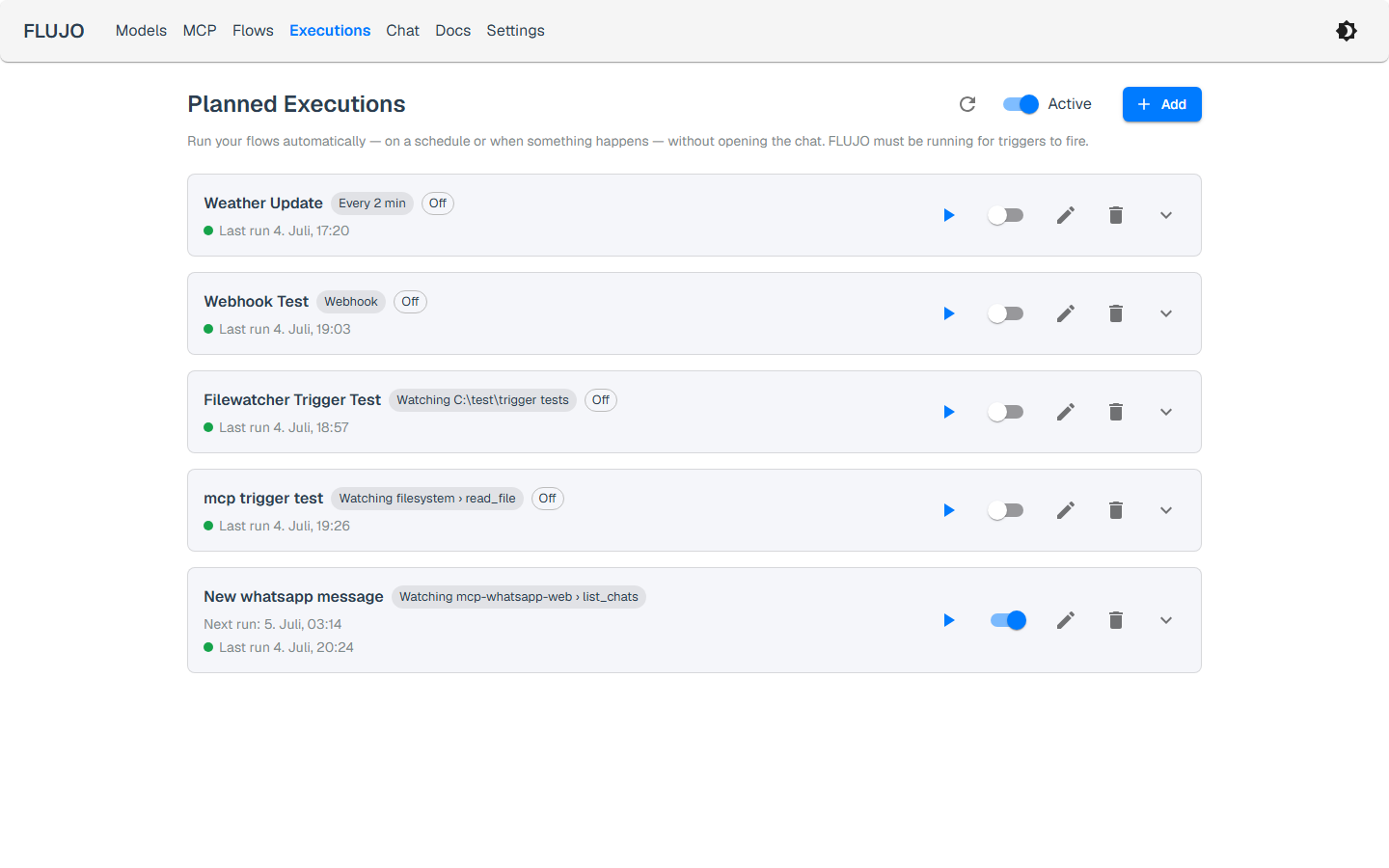
Run flows headlessly on cron schedules, webhooks, file changes, MCP tool polling, or URL watches — with full run history per trigger.
Point Cline, Roo Code, Cursor, or any OpenAI-SDK client at FLUJO and call your flows as models — use FLUJO as the backend for your other AI tools.
Configure an MCP server once in FLUJO, then re-expose it to Claude Desktop, Cursor, Cline, and any other MCP client over Streamable HTTP.
A searchable, curated in-app HTTP reference for chat, flows, models, MCP, automations, and administration, with a source-derived route inventory in the repository.
Follow a real project from setup to a useful result, with step-by-step guides and recorded demonstrations.
Connect your AI and file tools, save a reusable Website Builder agent, then give it a brief. Open the website, review it, and ask for improvements in the same chat.
Follow the Website Builder tutorial →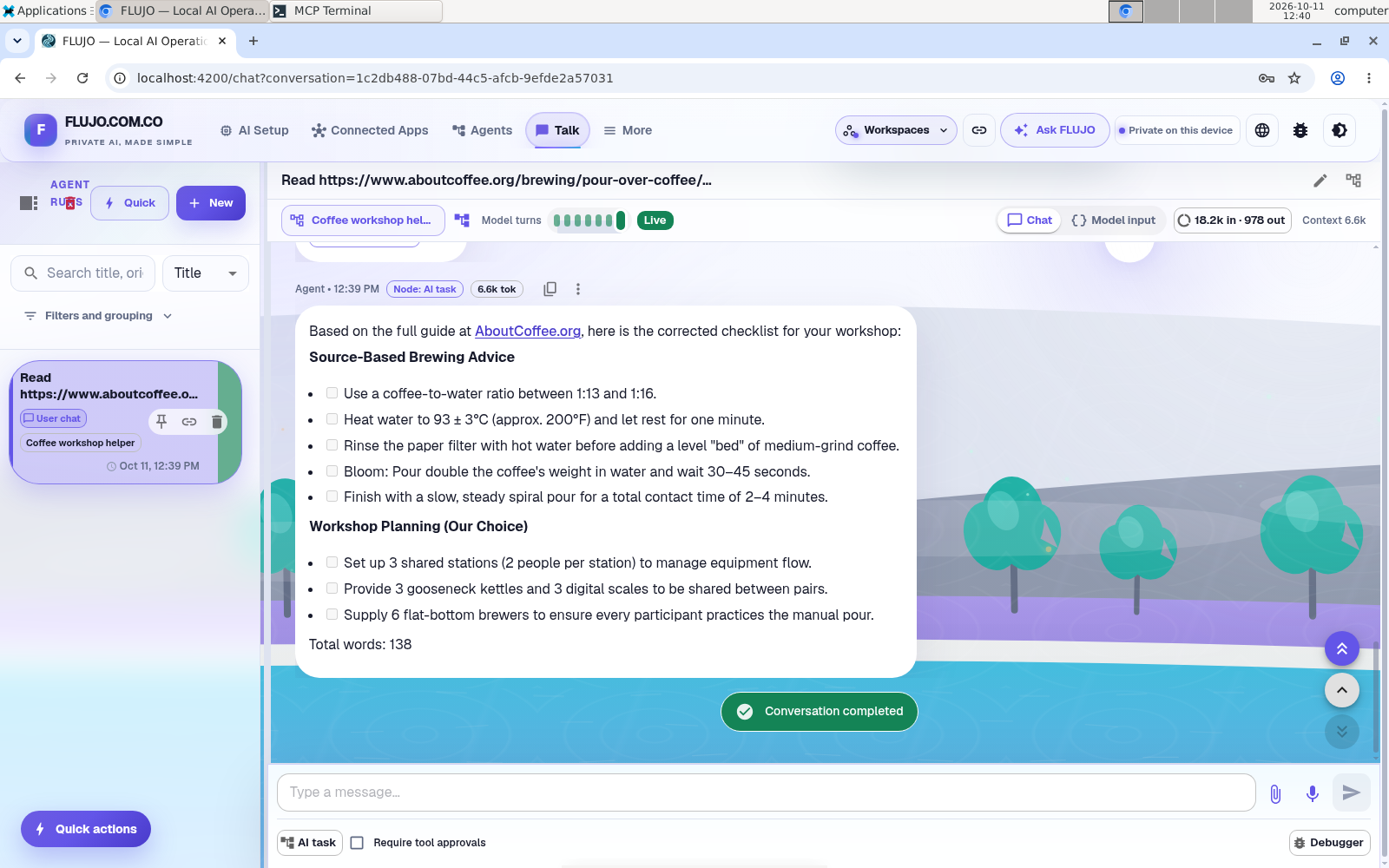
Make your first assistant with a model and a web-reading tool. Turn a public coffee guide into a preparation checklist and check its sources.
Follow the first-agent tutorial →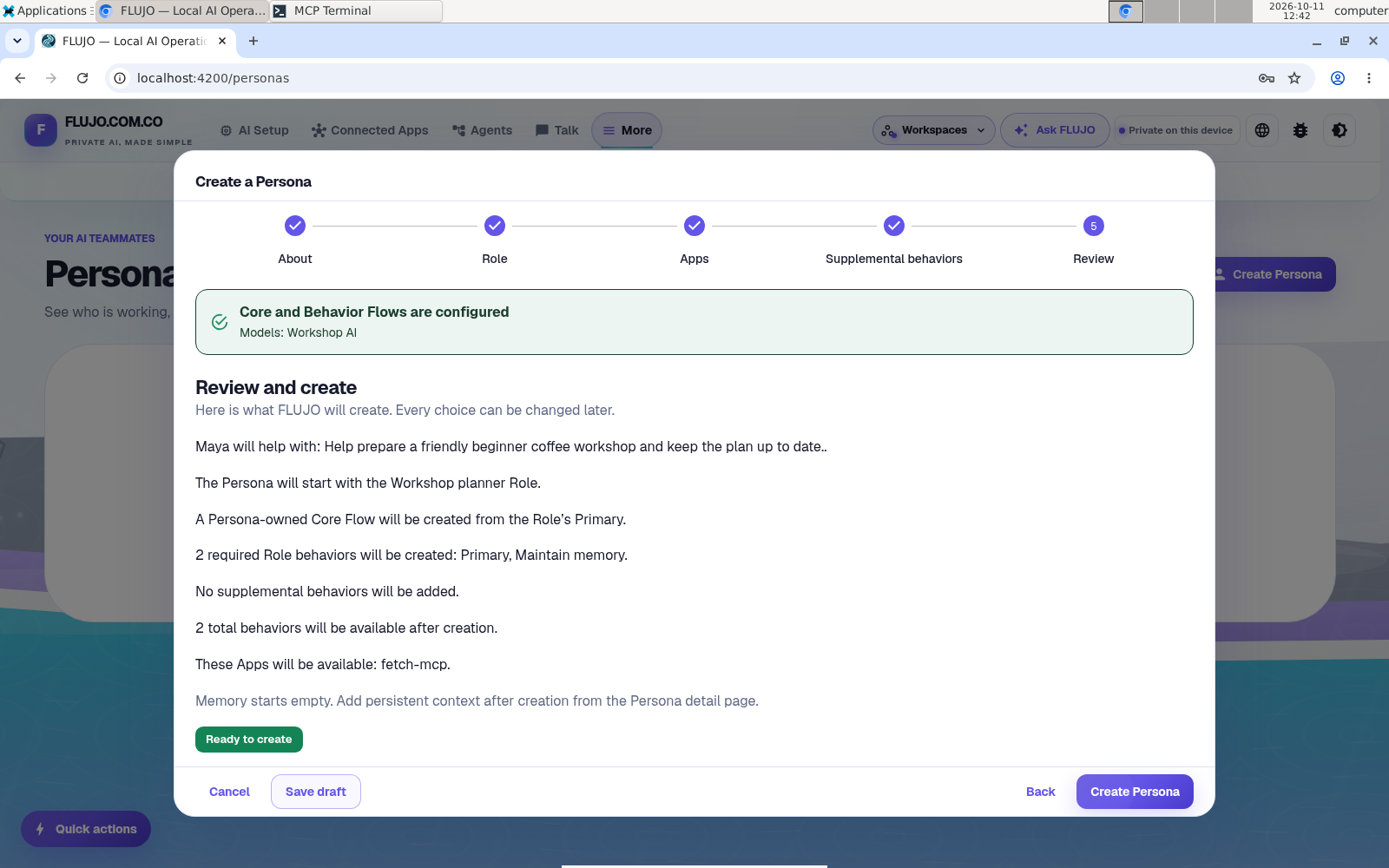
Follow an experimental persona through three compressed demonstration sessions, from a workshop idea to a plan, invitation draft, and run sheet.
Follow Maya’s workshop →See the real steps: connect your AI and tools, create a Website Builder, build and improve a website, then explore personas and automation. Choose a chapter or playback speed as you follow along.
Click any screenshot to enlarge.
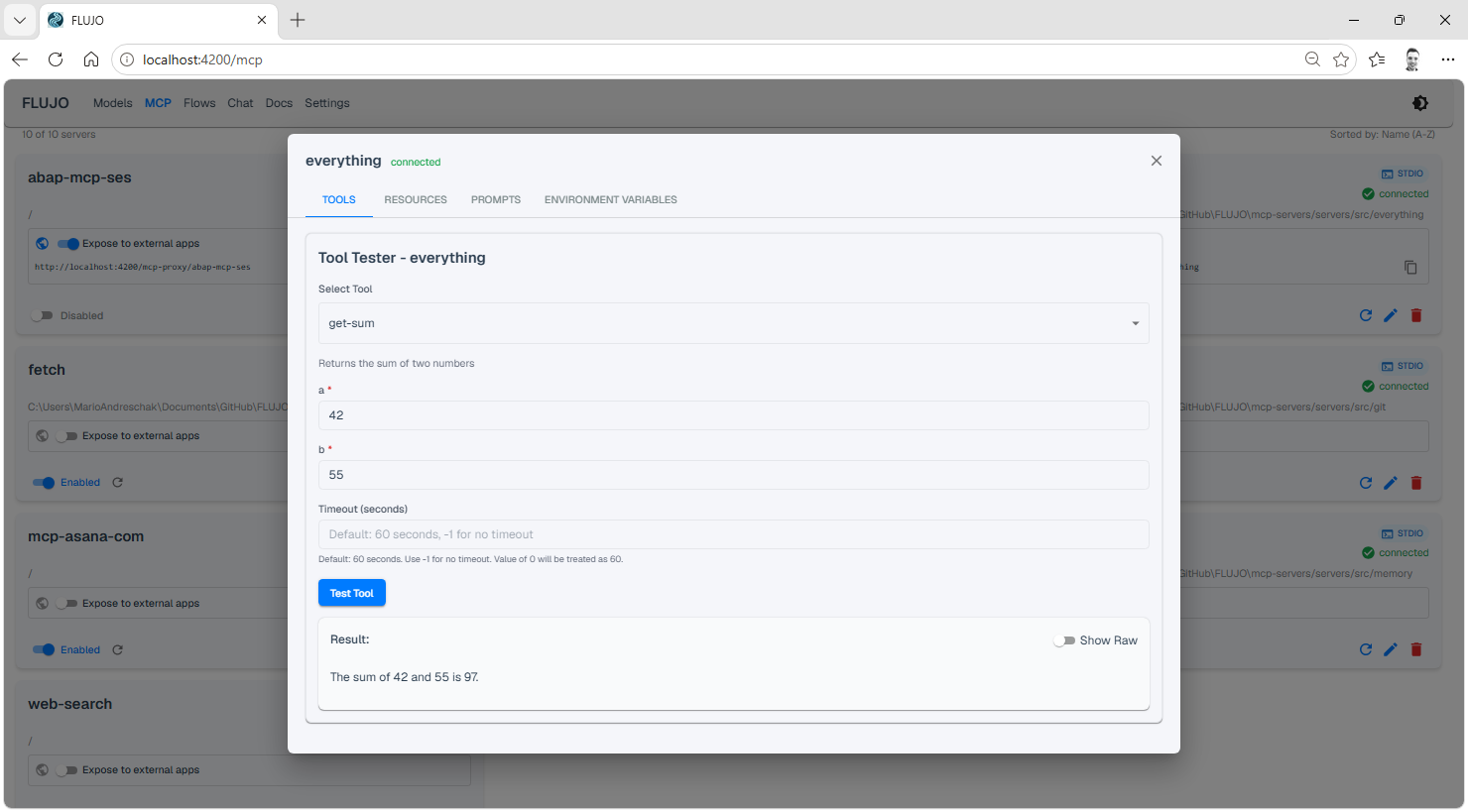
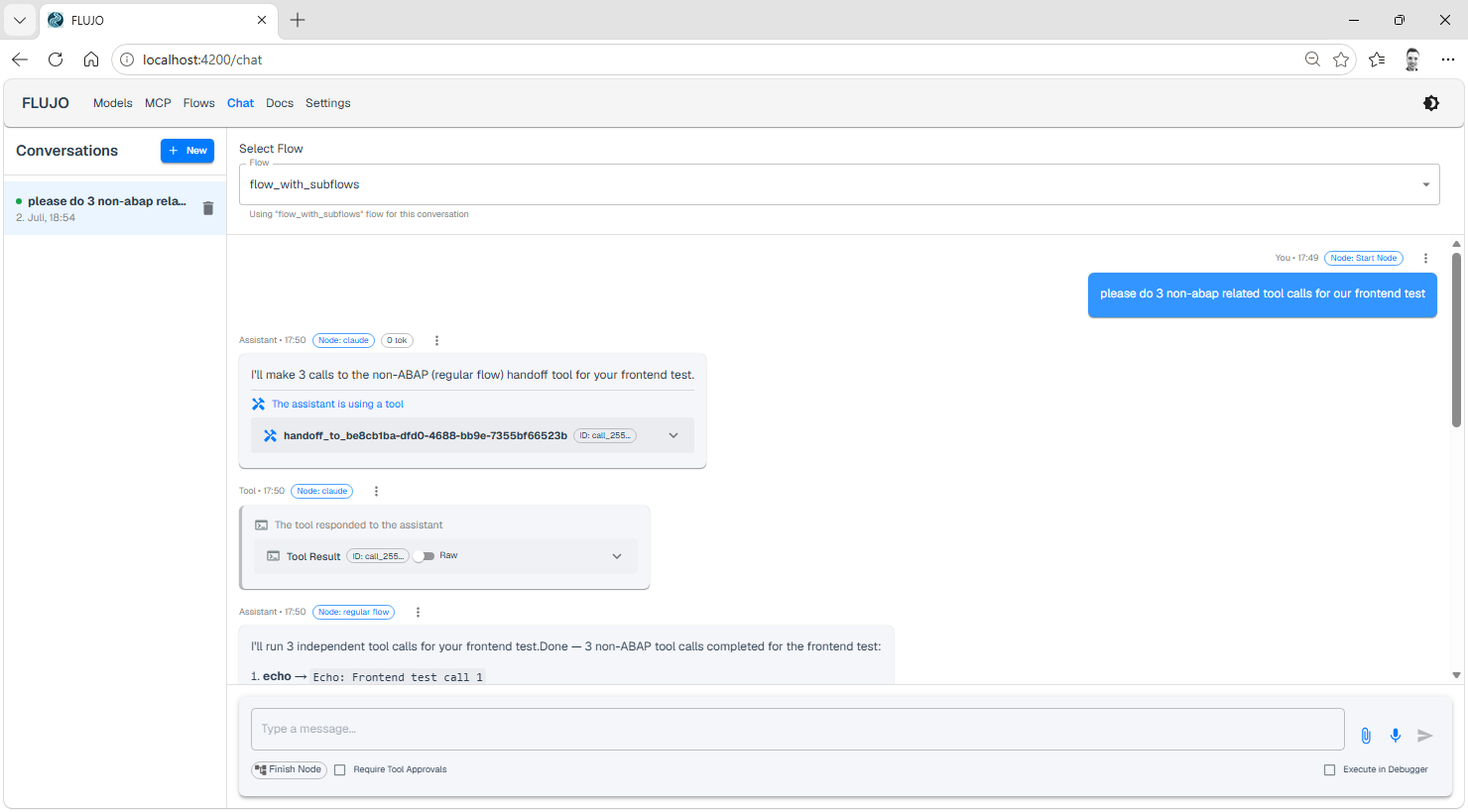
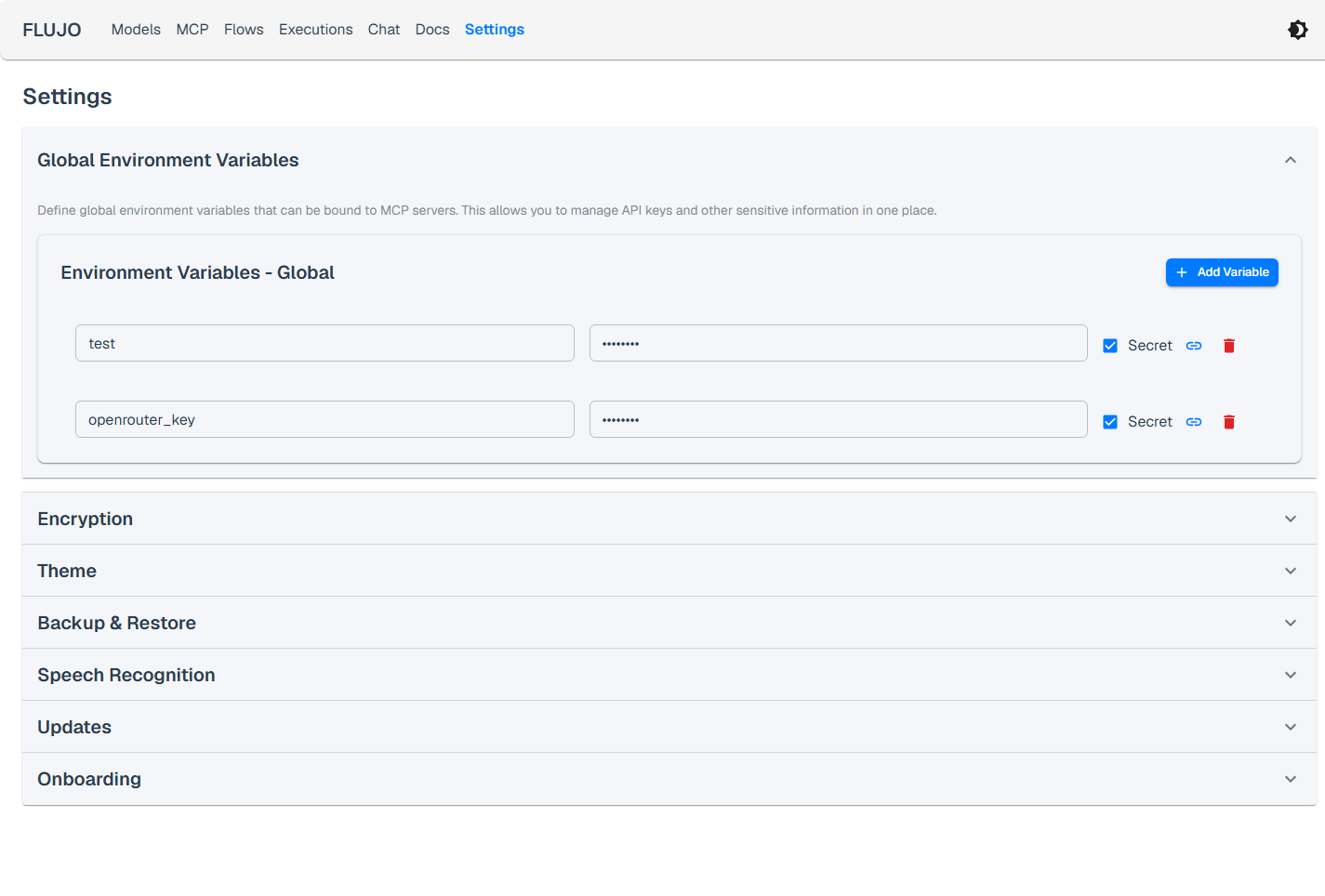
FLUJO speaks the protocols your other tools already use.
Point Cline, Roo Code, Cursor, or any OpenAI-SDK client at FLUJO and select your flow as the model — use the credentials required by your deployment. Network access setup.
Base URL:  http://localhost:4200/v1
Model: flow-<your-flow-name>Set a server up once in FLUJO — env vars, auth, build — then use it from Claude Desktop, Cursor, or Cline via the proxy endpoint.
http://localhost:4200/mcp-proxy/<server-name>